
Brickfield Enable: Content area plugins
Table of Contents
Introduction
The Brickfield Accessibility+ Toolkit analyses content across a number of areas and this page provides the ability to manage them.
N.B.: In the top right of the Manage content area plugins page is a “Help docs” button that will bring your directly to this documentation page.
Manage content area plugins
The Brickfield Accessibility+ Toolkit can be configured by the site administrator to enable or disable some of the content areas.
A small amount of the content areas of the Brickfield Accessibility+ Toolkit can be disabled by the site administrator.
- Go to: Site administration > Brickfield Enable > Accessibility administration > Manage content area plugins
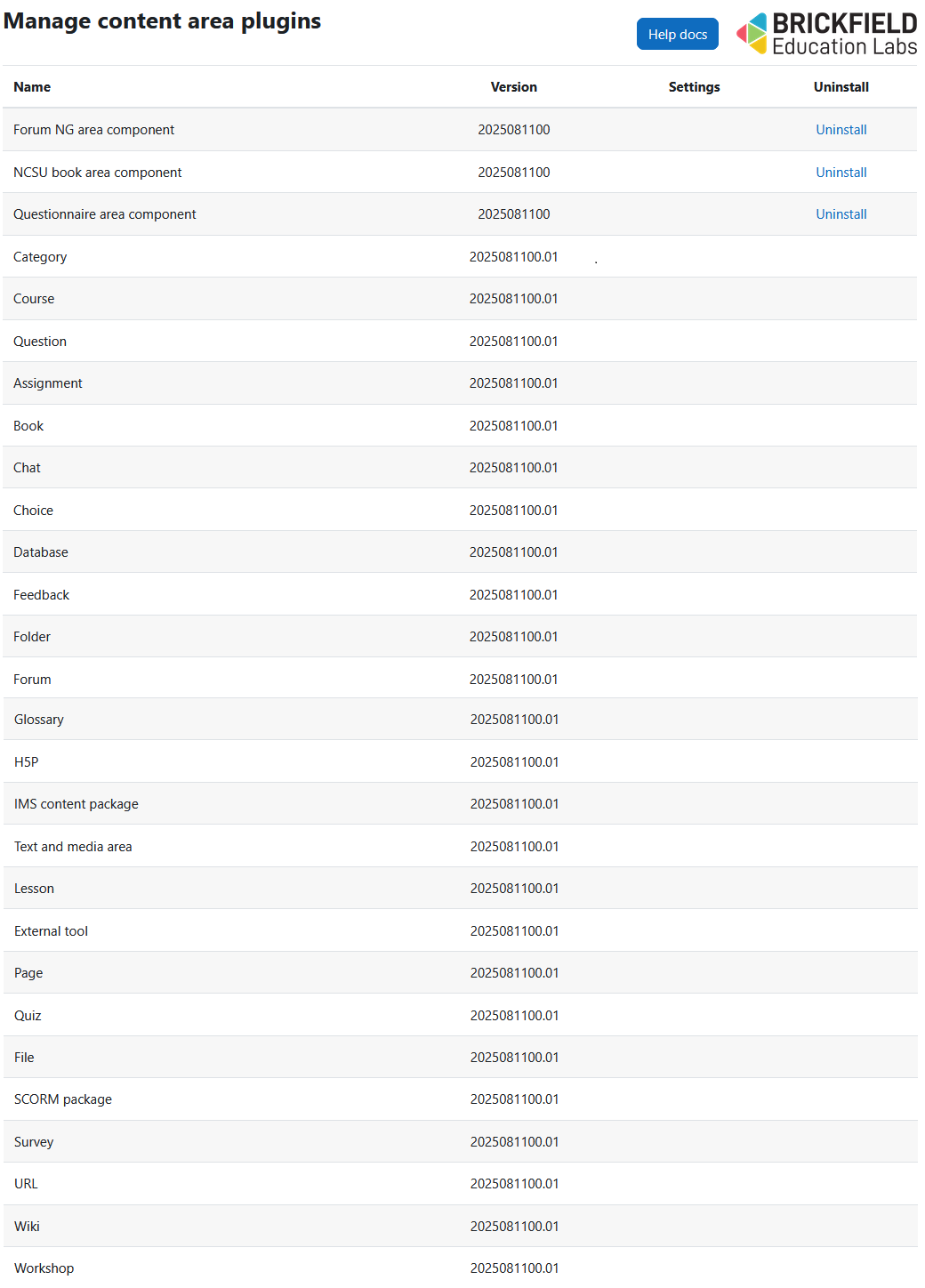
The Manage content areas page contains the following relevant details for each content area:
- Name: the content area name.
- Version: the content areas version number.
- Settings: specific content area settings.
- Uninstall: a link to install the individual content area.