Brickfield Education Labs

Personalise your browsing experience

Learn how to leverage your browser’s accessibility features to improve your experience!


View browser tips on how to do the following across multiple browsers:

  • Enable reader mode.
  • Read the page to me.
  • Change text size.
  • Change text styling.
  • Change font family.
  • Change text colour.
  • Change background colour.
  • Change text spacing.
  • Enable dark mode.


View accessibility guides on:

  • Creating accessible documents.
  • Creating accessible presentations.
  • Creating alternate document formats.
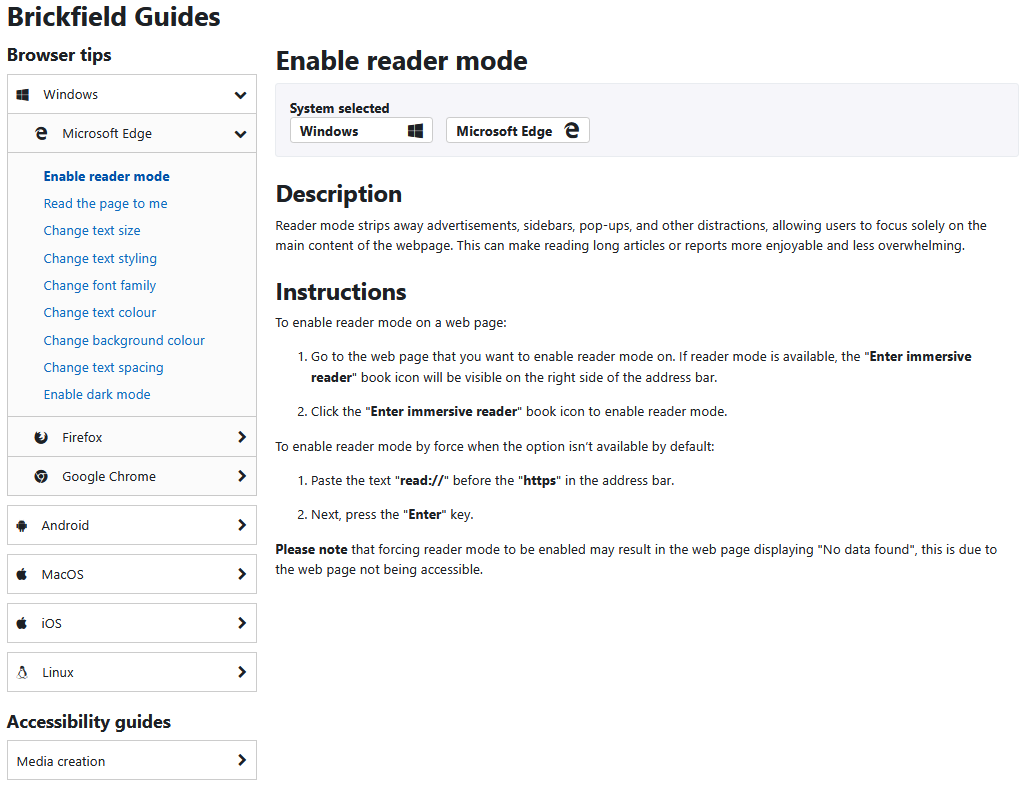
The Brickfield Guides, with the browser tip "Enable reader mode" being shown for the Windows operating system and the Microsoft Edge browser. The Browser tips menu is expanded showing that the "Enable reader mode" guide is selected.

What can we help you with?

Student

Site administrator