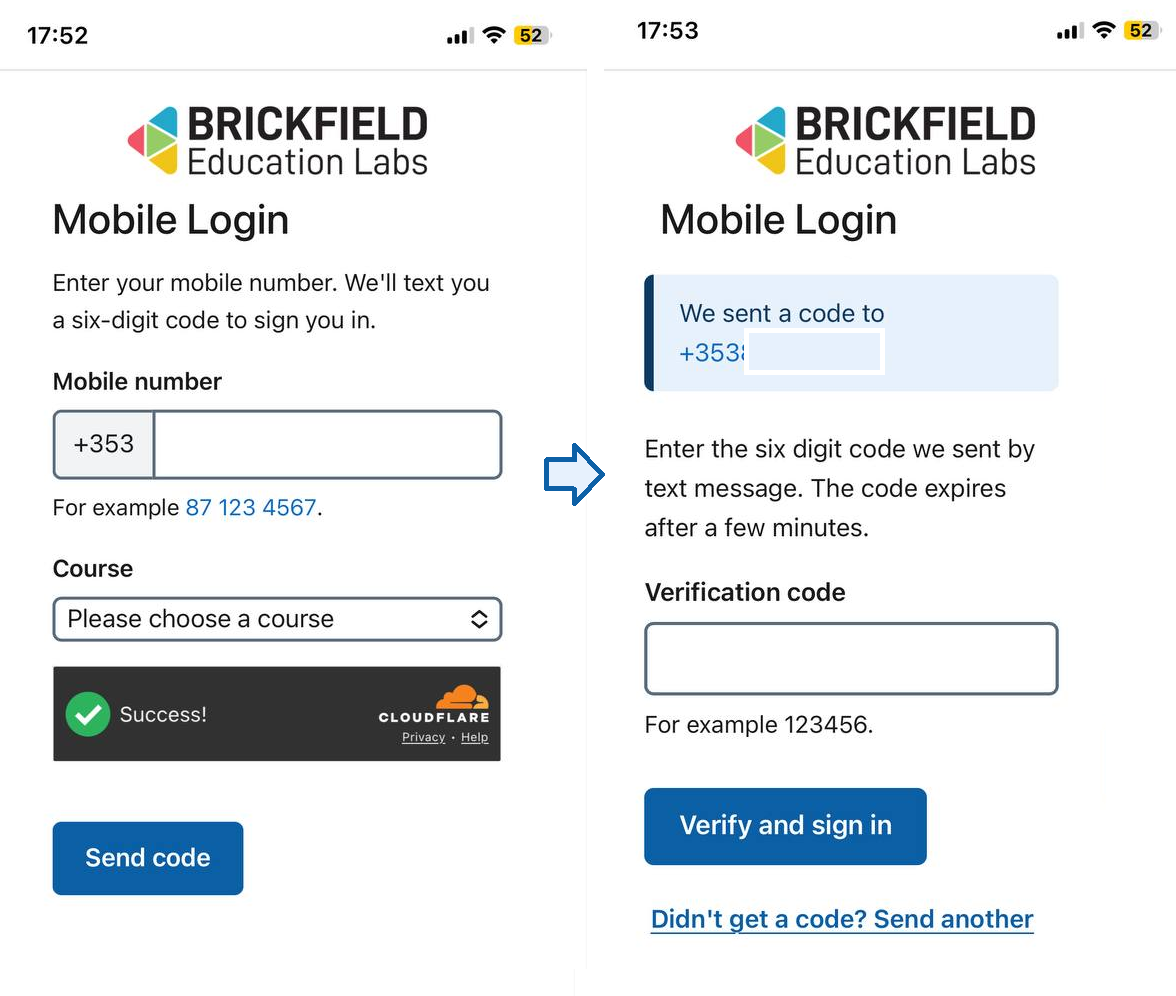
Passwordless sign in for Moodle by mobile number plus one time code
This Mobile authentication plugin enables a Passwordless sign in for Moodle by mobile number plus a one time code.
It is designed as an accessibility-first on-ramp for users who cannot use traditional credentials — for example older learners who do not use email, learners who do not remember their password, or learners whose accounts are administered for them by family members.