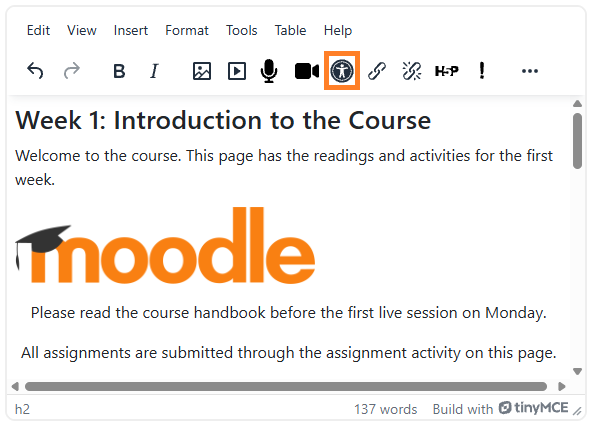
The Brickfield accessibility checker for TinyMCE checks your content for accessibility problems while you write it in the Moodle text editor.
It lists what it finds.
It explains why each issue matters.
It fixes most issues for you.
The checker works anywhere you use the text editor in Moodle, for example in a course summary, a page, a label, an assignment description or a forum post.