Help students to adjust how Moodle looks and reads
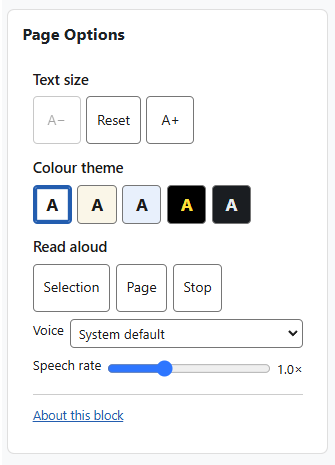
The Page Options block gives every reader a small, self-contained set of on-page tools to adjust how Moodle looks and reads: text size, colour theme, and read-aloud.
Formerly the Accessibility block; it was renamed to avoid confusion with other plugins.
It is a complete rewrite and simplification of the original block. It runs entirely in the reader’s browser — there is no third-party toolbar, no server round-trips, and no database table. Read-aloud uses the browser’s own built-in speech, so nothing extra is loaded.